, a coworker sent you this page. The fix is below.
Midnight Owl
It's 11pm. Schedule send exists.
A Midnight Owl messages at 11pm or on weekends and expects a reply.
Your phone, Sunday night. Watch it, or drag the night along. Then flip Schedule send and play it again. Poke the owl to make it talk.
- Looks like
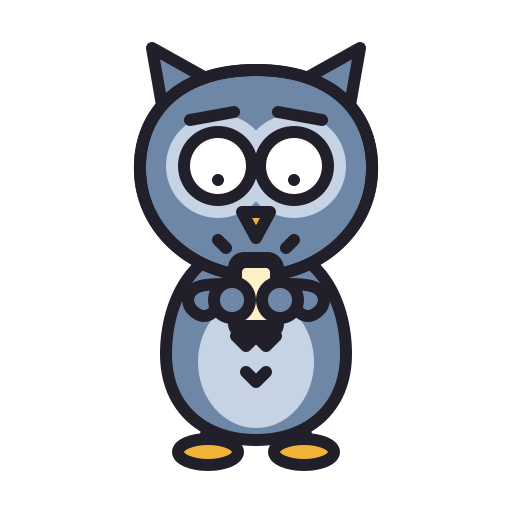
- An owl with a glowing phone
- The fix
- A tutorial
- Emoji
 :midnight-owl:
Sunday
6:00
No notifications
Same 7 messages. One buzz, at 9:00am on Monday. Overnight: 0.
With schedule send: 0. Same messages.
Signs you've met one.
- Your Monday starts with six messages from Saturday.
- "No rush!" arrives at 11:47pm, followed by "Any update?" at 7am.
- Their green dot never goes out.
Schedule send, app by app
Write it whenever you like. Send it when people are at work. Every big work app can hold a message until morning.
Slack
- Write the message.
- Click the arrow next to Send. On a phone, press and hold Send.
- Pick a time, like Monday at 9:00. You can still edit or cancel it until then.
Gmail
- Write the email.
- Click the arrow next to Send, then Schedule send. On a phone, tap the three dots, then Schedule send.
- Pick a time. The email waits in your Scheduled folder.
Outlook
- Write the email.
- Click the arrow next to Send, then Schedule send. In classic Outlook for Windows, use Delay Delivery.
- Pick a time. The email waits in Drafts until then.
Teams
- Write the message.
- Right-click Send. On a phone, press and hold it.
- Pick a time, up to a week ahead.

 Anonymous
Send it to a coworker.
Send this page instead of saying it. A first name is optional, and it lives only in the link, so it never reaches our server or the link preview.
Got this at 11pm. Here's how to schedule the next one for the morning.
officecreatures.com/midnight-owlMore creatures.
Call Hopper
It could have been a message.
Read the file →Coffee Badger
Badge in. Latte. Badge out.
Read the file →Booth Hog
It's a phone booth, not an apartment.
Read the file →Hermit Crab
That desk isn't your shell.
Read the file →Fridge Raccoon
Labels are not suggestions.
Read the file →Slop Dropper
If you didn't read it, neither will I.
Read the file →Knowledge Squirrel
Bus factor: one squirrel.
Read the file →Scope Creeper
Just one small thing.
Read the file →Buzzword Bumblebee
Let's circle back to never.
Read the file →